Hours Wasted on Slide Formatting
Moving text boxes by two pixels, resizing columns after pasting a bullet, and fixing alignment glitches across twenty slides turns a quick update into a multi-hour formatting chore.
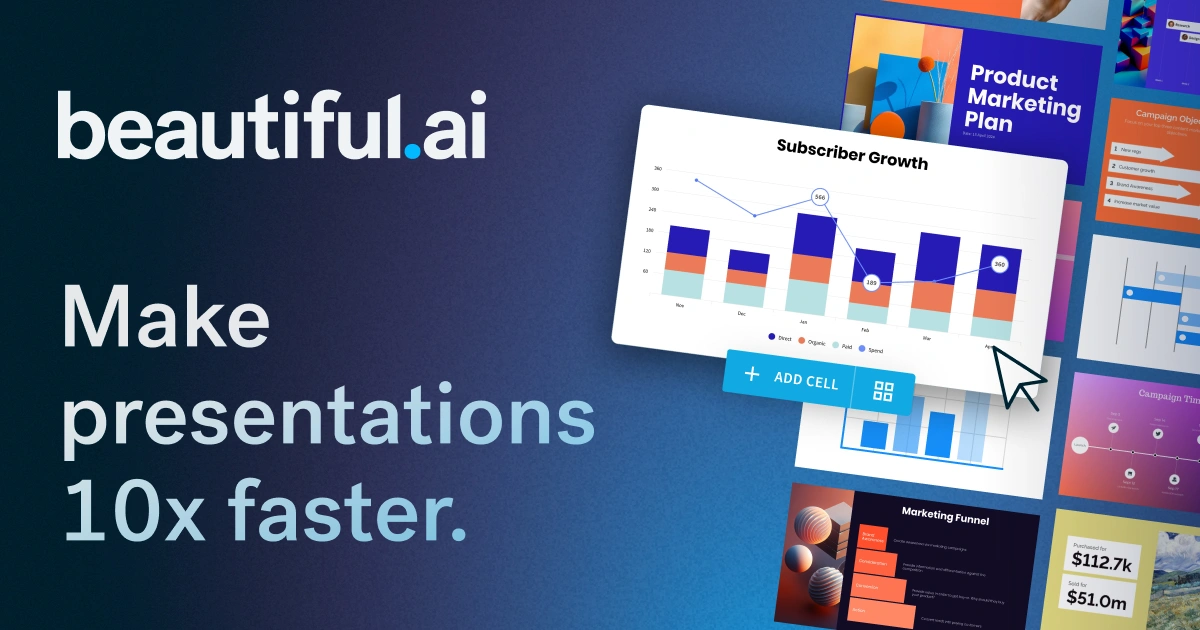
Beautiful.ai is an AI-powered presentation maker built to help teams move faster with Smart Slides that auto-align, resize, and animate content—so you spend less time nudging boxes and more time shaping your message.
You already know what you want to say in a sales pitch, client update, or quarterly review. Yet building a clean deck in traditional slide tools still eats up your evening.
Moving text boxes by two pixels, resizing columns after pasting a bullet, and fixing alignment glitches across twenty slides turns a quick update into a multi-hour formatting chore.
When teammates copy slides from old presentations, off-brand colors, mismatched fonts, and outdated logos creep in—undermining how polished your company looks to prospects and clients.
Most sales reps, marketers, consultants, and founders are hired for domain expertise, not visual layout. Without design rules built into the tool, it is easy for slides to look cluttered or uneven.
Designed to be 10x faster than traditional presentation makers, Beautiful.ai applies layout intelligence automatically so every slide stays balanced while you focus on your story.
Smart Slides automatically auto-align, resize, and animate content as you add or edit text, timelines, grids, or tables—keeping layouts clean without manual spacing.
Move from a rough prompt to a structured outline and polished slides quickly, giving you a strong first draft you can refine instead of staring at a blank canvas.
Centralize approved brand colors, fonts, logos, and footers in themes and brand kits so every presentation stays on-brand across your organization.
Turn numbers into animated charts and connect spreadsheet data so metrics stay clear and readable without rebuilding graphs from scratch.
Access built-in libraries of free stock photos and videos right inside your deck to illustrate concepts faster without hunting across external sites.
See how viewers engage with shared presentations—helpful for sales follow-ups, client proposals, and stakeholder updates after a meeting.
Use built-in slide animations and add voice or video narration so async viewers and remote teams get full context even when you cannot present live.
After testing Beautiful.ai for 14 days across client pitches, weekly status decks, and roadmap overviews, the fastest workflow follows four straightforward steps.
Start with Create with AI by describing your topic, audience, or paste an existing outline so the software maps out a clear slide sequence.
Check the proposed sections and key points first so your narrative makes logical sense before individual slides are generated.
Swap layouts, update copy, link chart data, or add media while Smart Slides automatically adjust spacing, alignment, and animations.
Present live, send a trackable link with viewer analytics, or export to PowerPoint (PPTX) or PDF depending on how your audience prefers to view it.
The fastest way to avoid buyer's remorse is matching the software to how your team actually builds presentations.
No presentation tool is perfect for every workflow. Knowing these trade-offs upfront helps you decide if Beautiful.ai fits your process.
Because Smart Slides enforce layout rules so decks stay tidy, you cannot freely drag every element anywhere on the canvas the way you would in a blank design tool. If you want unrestricted manual tweaking, that guard rail can feel constraining.
While many users love the speed of the editor, public review platforms such as Software Advice (4.2/5 across 86 reviews) include feedback citing slow support responses and billing or renewal frustrations. Always review plan terms carefully during your trial.
If your workflow demands exact pixel-level layout manipulation or specialized accessibility compliance workflows, you should test your exact export and presentation requirements during the 14-day free trial before committing.
Start with a 14-day free trial to test the editor firsthand, then choose the tier that matches how you or your team present.
Or $15/month. Built for individuals who want fast AI drafting and Smart Slides.
Designed for collaborative teams needing shared themes, brand kits, and viewer analytics.
Tailored governance, security, and rollout support for larger organizations.
| Capability / Tool Comparison | Beautiful.ai (Pro / Team) | Traditional PowerPoint | Canva Presentations |
|---|---|---|---|
| Automated Slide Layout (Smart Slides) | Auto-aligns & resizes as content changes | Mostly manual alignment & guides | Template-based with manual adjustments |
| AI Prompt to Outline & Slides | Built-in Create with AI workflow | Add-ins / Copilot depending on plan | Built-in AI text & design generation |
| Brand Consistency | Themes & brand controls lock styling | Slide masters (can drift if edited manually) | Brand kits on paid team tiers |
| Best Use Case | Fast, consistent business & sales decks | Complex custom macros & legacy files | Broad visual & social-style graphics |
Straight answers on pricing, the 14-day free trial, PowerPoint export, team features, and review feedback.
Pro costs $12/month when billed annually or $15/month, Team costs $40/user/month, and Enterprise offers custom pricing. You can begin with a 14-day free trial to test the editor first.
Yes. Beautiful.ai offers a 14-day free trial, and per the official site no credit card is required to get started with the trial—making it low-risk to test on a real deck.
Yes. You can export your presentation to PowerPoint (PPTX) or PDF formats when you need to send static files or collaborate with stakeholders who rely on Microsoft PowerPoint.
With Team and organization workflows, you can standardize colors, fonts, logos, and footers through themes and brand kits while tracking how audiences view shared links via viewer analytics.
Official data notes that Beautiful.ai is built to be 10x faster than traditional presentation makers, with users saving a median of 3 hours per week across more than 100,000 companies. Your exact time savings depends on how much manual formatting you currently do.
On Software Advice (where Beautiful.ai holds a 4.2/5 rating across 86 reviews), critical feedback centers on restricted free-form layout control—because Smart Slides enforce structured layouts—as well as occasional complaints about support response times and billing renewals. Testing during the 14-day free trial lets you verify fit before paying.
Start with the 14-day free trial so you can evaluate the product before a paid subscription begins. If you subscribe to a paid plan, manage renewal settings in your account or contact Beautiful.ai support directly regarding billing policies.
No. Our affiliate links (https://clnk.in/EzP8) route through PartnerStack and never add extra charges to your subscription price. If you convert, we earn an affiliate commission (30% on Pro monthly/annual or 15% on Team annual plans).
See how quickly you can turn an outline into a clean, on-brand presentation with Smart Slides and Create with AI—without spending hours on manual formatting.
Trusted by Professionals at Over 100,000 Companies
With 100+ million slides created across 193 countries, a median savings of 3 hours per week, and a $45M investment from General Catalyst in March 2026, Beautiful.ai has established a clear niche in modern slide workflows.
Based on 86 reviews on Software Advice. Users praise speed and clean layouts, while noting layout boundaries and occasional support friction.
"During hands-on testing, creating a 12-slide client update took a fraction of the time spent aligning tables and charts in a standard slide editor."
Hands-On Testing Note (14-Day Evaluation)"Teams adopt automated Smart Slides so non-designers can ship consistent sales and marketing decks without waiting on a creative queue."
Industry Buzz — Sales & Marketing Workflows"Explore official Beautiful.ai comparisons against traditional deck tools to see how automated layout rules fit your team."
Official Platform Comparison